

As a frequent Linux user, I take for granted that I can take a .iso file and mount it and poke around in the contents. The so-called loopback mount, despite its confusing name, is nonetheless incredibly useful and available “out of the box” with any decent Linux distro.
OS X can even more easily peek inside .iso files (and other kinds of disk images) using Apple’s Disk Utility, bundled with the operating system (or command-line afficionados can use a command called hdid).
Windows, surprisingly has no way to do this out of the box, though there are various programs that claim to do it.
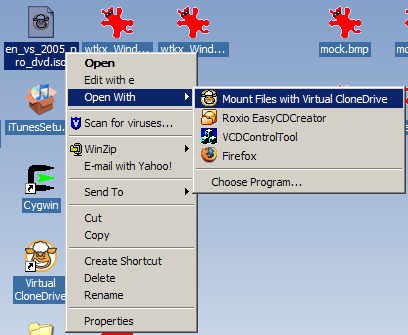
I had luck using a freeware program called Virtual Clone Drive, which I discovered at this page.
Simple, effective, and free.

Use ISO Recorder from Microsoft. It’s also free.
–b