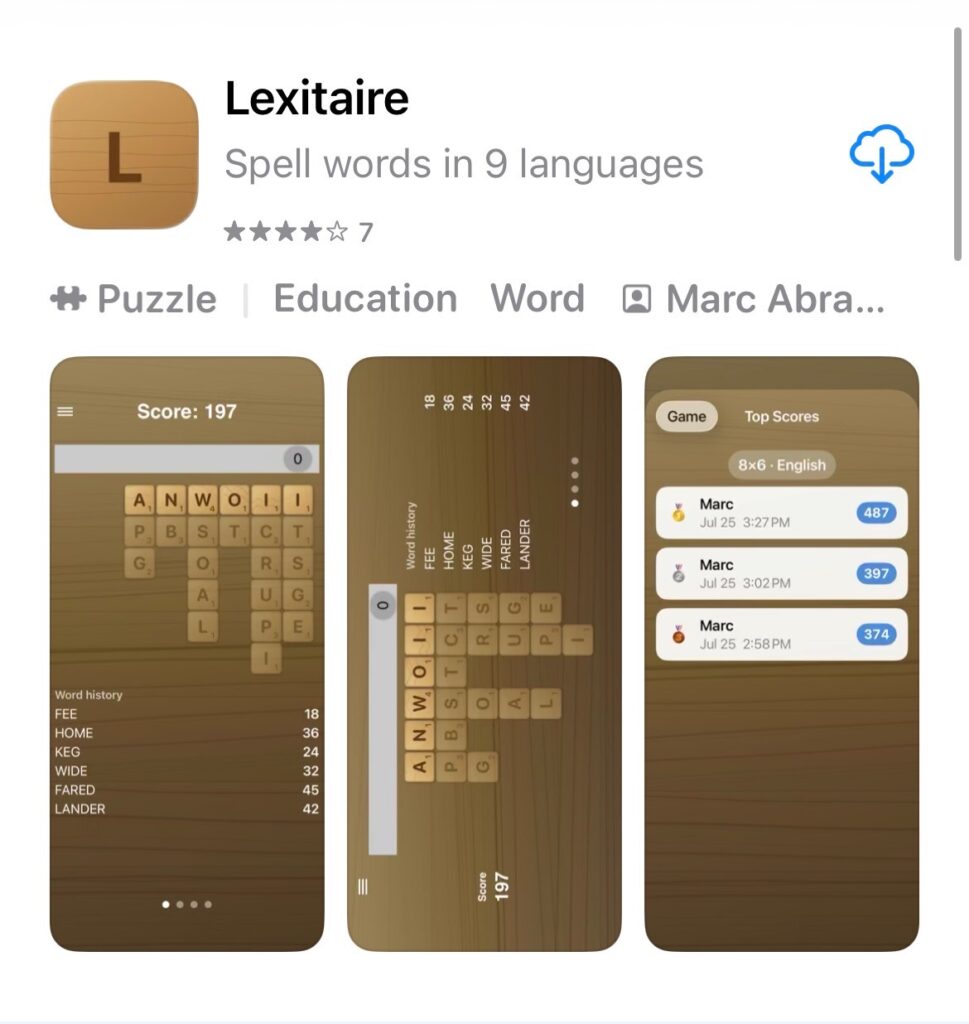

I’ve been building Lexitaire mostly from the command line these days — Xcode stays open for breakpoints and previews, but building, running, and installing don’t need it. The one piece I hadn’t automated yet was getting a build onto my actual phone, so I wrote tools/install-to-iphone.sh:
#!/usr/bin/env bash
set -euo pipefail
cd "$(dirname "$0")/.."

device_id="<your-device-id>"   # find with: xcodebuild -showdestinations ...
bundle_id="<your-bundle-id>"
derived_data="/tmp/lexitaire-device-build"

xcodebuild build -project Lexitaire.xcodeproj -scheme Lexitaire \
  -destination "id=$device_id" -allowProvisioningUpdates \
  -derivedDataPath "$derived_data"

app_path="$derived_data/Build/Products/Debug-iphoneos/Lexitaire.app"
xcrun devicectl device install app --device "$device_id" "$app_path"
xcrun devicectl device process launch --device "$device_id" "$bundle_id" \
  || echo "Installed, but couldn't launch it automatically (often just a locked screen)."
Two small decisions worth calling out:
- Pin the device by ID, not by name. A device name can contain an apostrophe (a shell-quoting headache) and can change if you rename the phone; the ID survives both. Find it with
xcodebuild -showdestinations -project Lexitaire.xcodeproj -scheme Lexitaire. - Don’t treat a failed launch as a failed run.
devicectlfails to launch on a locked screen, which isn’t a broken build — the install already succeeded by that point, so that step just fails soft with a reminder to unlock and tap the icon.
Now it’s just tools/install-to-iphone.sh and the build’s on my phone.